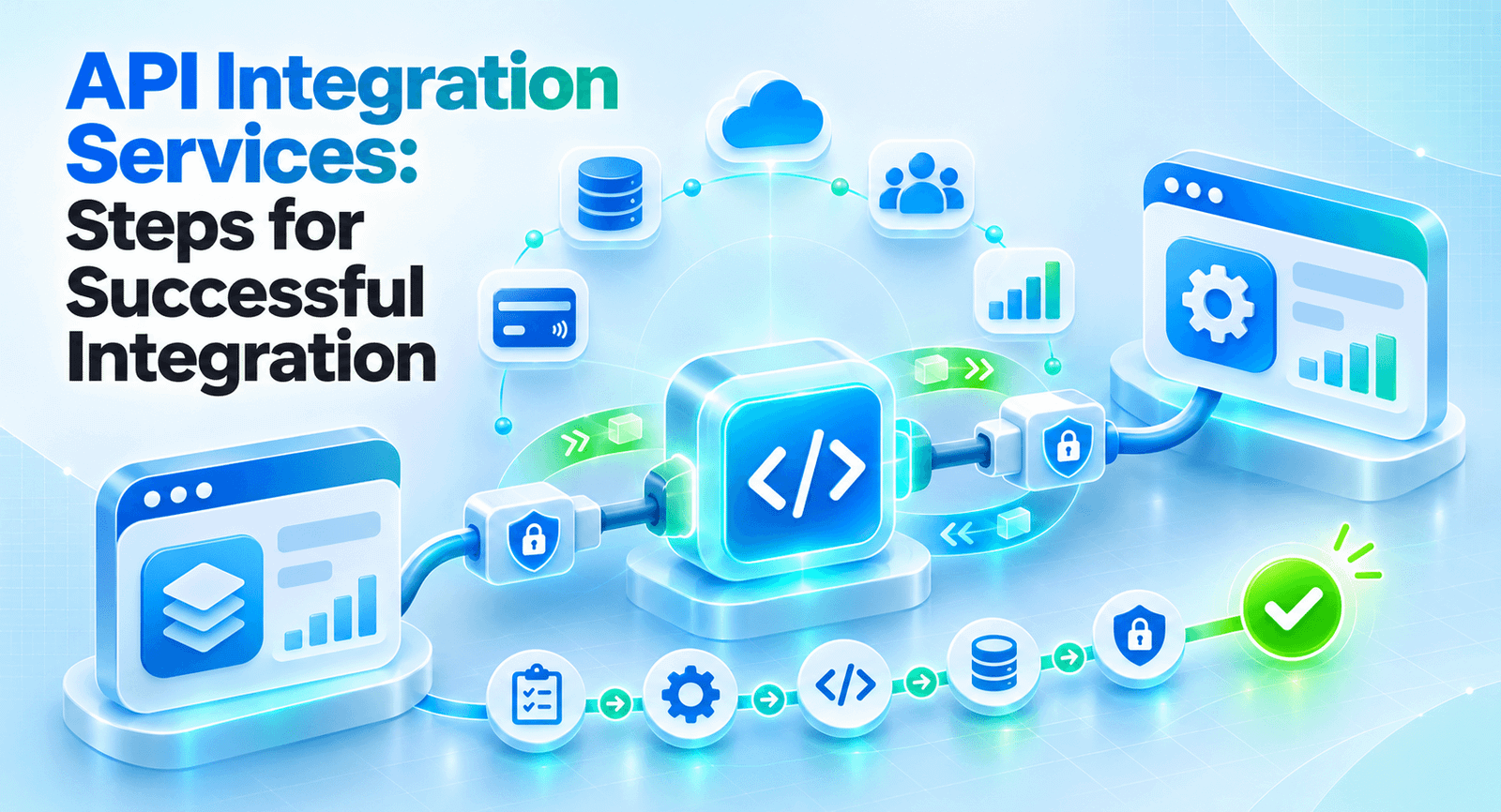
Imagine running a business where your sales team uses one tool, your marketing team relies on another, and your customer support department works with completely different software. Now imagine employees spending hours transferring information between these systems.
Sounds exhausting, right?
That’s exactly what happens when business applications don’t communicate with each other. Important information gets scattered, employees waste time on repetitive tasks, and mistakes become almost unavoidable.
This is where API integration services come to the rescue. They help different applications exchange information, automate everyday processes, and work together more efficiently.
But connecting software isn’t always as simple as clicking a button. Successful API integration requires planning, testing, and ongoing maintenance. So, how can businesses make the process smoother? Let’s find out!
Let’s understand API integration with a simple example.
Imagine ordering food at a restaurant. You tell the waiter what you want, the waiter communicates with the kitchen, and your food arrives at the table.
An Application Programming Interface (API) works somewhat like that waiter. It allows different software applications to communicate and exchange information without requiring users to transfer everything manually.
For example, when someone purchases something from an online store, API integration can help share order details with inventory management, payment processing, and shipping systems.
Instead of updating every platform separately, relevant information moves between connected applications. This improves accuracy, reduces repetitive work, and helps businesses deliver better customer experiences.
Before connecting applications, ask yourself one important question: What problem are we trying to solve?
Many businesses rush into integration because they want their software systems connected. However, without clear objectives, they may end up creating unnecessary connections that add complexity instead of value.
What Should You Do?
Start by identifying processes that consume too much time or frequently create errors. Perhaps your sales team manually updates customer information, or your inventory records don’t match online orders.
Define specific goals, such as reducing manual data entry, improving reporting accuracy, or speeding up order processing. Clear objectives help you determine which integrations deserve priority.
Not every application works the same way, and not every platform supports the integrations you need. Some software provides well-documented APIs, while other systems have limited connectivity options. Connecting them without understanding these differences can lead to frustrating technical problems.
What Should You Do?
Review your existing applications and identify the information they need to exchange. Check API documentation, supported data formats, authentication methods, and any usage limitations. Professional API integration services can help assess compatibility and recommend suitable approaches before development begins.
This early evaluation reduces the chances of discovering major problems halfway through the project.
Here’s where things get interesting. There isn’t just one way to connect software applications. Some businesses benefit from direct connections between two systems. Others require an integration platform or middleware to coordinate information across multiple applications.
The best approach depends on business requirements, available resources, and technical complexity.
What Should You Do?
Consider factors such as the number of applications involved, data volume, expected growth, and maintenance requirements.
For example, a small business connecting an online store to an email marketing platform might need a relatively simple integration.
However, a larger organization connecting numerous internal systems may benefit from a more structured architecture. Choosing the right approach early can make future expansion considerably easier.
Imagine connecting two applications successfully, only to discover that sensitive customer information is exposed because access permissions weren’t configured correctly.
That’s a problem no business wants.
APIs often exchange important information, including customer records, payment-related details, and internal business data. Protecting this information should never be an afterthought.
What Should You Do?
Use appropriate authentication methods, encrypted connections, and access controls. Follow the principle of least privilege, allowing applications to access only the information they genuinely need.
Avoid exposing API credentials in publicly accessible code, and establish secure methods for storing and rotating secrets. A secure integration protects both business operations and customer trust.
Now comes the actual connection between applications. Developers configure how information moves between systems, which events trigger data exchanges, and what should happen if something goes wrong.
But here’s the catch: Just because an integration works once doesn’t mean it’s ready for everyday business operations.
What Should You Do? Test the integration using realistic scenarios before launching it.
Check whether information transfers accurately, how the system handles incorrect inputs, and what happens when an application becomes temporarily unavailable. Testing should also consider duplicate requests, API rate limits, and unexpected errors. Thorough testing helps identify problems before they affect customers or employees.
After successful testing, it’s tempting to activate everything immediately.
However, launching a complicated integration across your entire business at once can create unnecessary risks. If something breaks, identifying the cause becomes more difficult.
What Should You Do?
Consider launching the integration with a limited group of users or a smaller volume of transactions. Monitor its performance, confirm that information transfers correctly, and gather feedback from employees.
Once everything operates reliably, gradually expand usage. This controlled approach helps minimize disruption and gives your technical team an opportunity to address unexpected issues.
Congratulations! Your applications are finally communicating with each other. So, the job is finished, right?
Not exactly.
Software providers regularly update their platforms, APIs evolve, and business requirements change. An integration that works perfectly today might require adjustments in the future.
What Should You Do?
Monitor integration performance, error logs, and data synchronization. Set up alerts for failed requests and regularly review API updates or deprecation notices. Also, document your integration so future troubleshooting and maintenance become easier.
Ongoing monitoring helps prevent small technical issues from turning into larger business disruptions.
Not every business has the technical expertise to manage complex integrations internally.
If you’re connecting multiple platforms,system integration
handling sensitive information, or dealing with complicated data workflows, professional assistance may be valuable.
Experienced integration specialists can help businesses design reliable connections, troubleshoot compatibility problems, implement security controls, and plan for future growth. Rather than spending weeks experimenting with unfamiliar technical requirements, your team can focus on core business activities while specialists handle integration challenges.
Modern businesses depend on multiple software applications, but those applications become significantly more useful when they can work together. Successful API integration starts with understanding your business goals and continues through software evaluation, secure development, careful testing, and ongoing maintenance.
With the right planning and API integration services, businesses can reduce manual work, improve information accuracy, and create smoother workflows. Because ultimately, great technology isn’t just about having powerful tools. It’s about making those tools work together.
Quick Links
Company
© 2026 GHL Protocol. All Rights Reserved.